
Readers Hope you are doing, Hope you are doing good sharing very curious solutions. After patch update build device is not able to get proper SG Group collection.
Error:
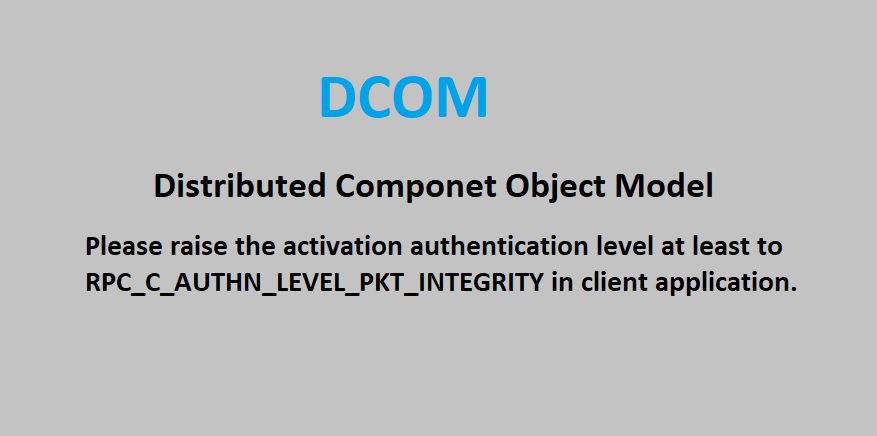
The server-side authentication level policy does not allow the user AccountID SID (S-1-5-21-3490926982-1646796591-3840444806-2418) from address Your IP to activate DCOM server. Please raise the activation authentication level at least to RPC_C_AUTHN_LEVEL_PKT_INTEGRITY in client application.
By seeing event found there is huge WMI error on database
select * from Logs where Message Like ‘%Error – Failed to connect to WMI Namespace%’

We can perform test by running command
Get-WmiObject -ComputerName Servername.com -Namespace root\sms\site_Sitecode -Class sms_r_system
By seeing above error decided to check Primary site server logs. Found Huge DCOM error with same

Note We can verify Permission for decom
Point 1: Click start — > Run — > DCOMCNFG.exe Hit enter
Point 2: Click Start– > Run — > wmimgmt.msc Enter
In our case permission was okay as require. Found there once applied patches permission was having issue.
Either we should install KB : https://support.microsoft.com/en-us/topic/kb5004442-manage-changes-for-windows-dcom-server-security-feature-bypass-cve-2021-26414-f1400b52-c141-43d2-941e-37ed901c769c or we can add Below registry key to fix issue.
Registry setting to enable or disable the hardening changes
During the timeline phases in which you can enable or disable the hardening changes for CVE-2021-26414, you can use the following registry key:
Path : HKEY_LOCAL_MACHINE\SOFTWARE\Microsoft\Ole\AppCompat
Value Name: “RequireIntegrityActivationAuthenticationLevel”
Type: dword
Value Data: default = 0x00000000 means disabled. 0x00000001 means enabled. If this value is not defined, it will default to enabled.
Note You must enter Value Data in hexadecimal format.
Important You must restart your device after setting this registry key for it to take effect.
Note Enabling the registry key above will make DCOM servers enforce an Authentication-Level of RPC_C_AUTHN_LEVEL_PKT_INTEGRITY or higher for activation.
Note This registry value does not exist by default; you must create it. Windows will read it if it exists and will not overwrite it.
After applying above registry key issue got fix
Happy Learning!!!
Thanks & regards,
Haresh Hirani
Email: [email protected], [email protected]
Facebook https://www.facebook.com/Hiraniconfigmgr-120189361980772/
Follow us: https://www.linkedin.com/in/hiraniconfigmgr
Twitter: https://twitter.com/hiraniconfigmgr

